Your inspection workflow.
One platform.

From site visit to final report.

SpecIC job workspace with fictional sample data.
Inside SpecIC SAMPLE DATA

INSIDE SPECIC

Your workflow, connected.

Four steps. One sample job.
01 / PLAN

Open your job.

Everything for your visit.

Enlarge
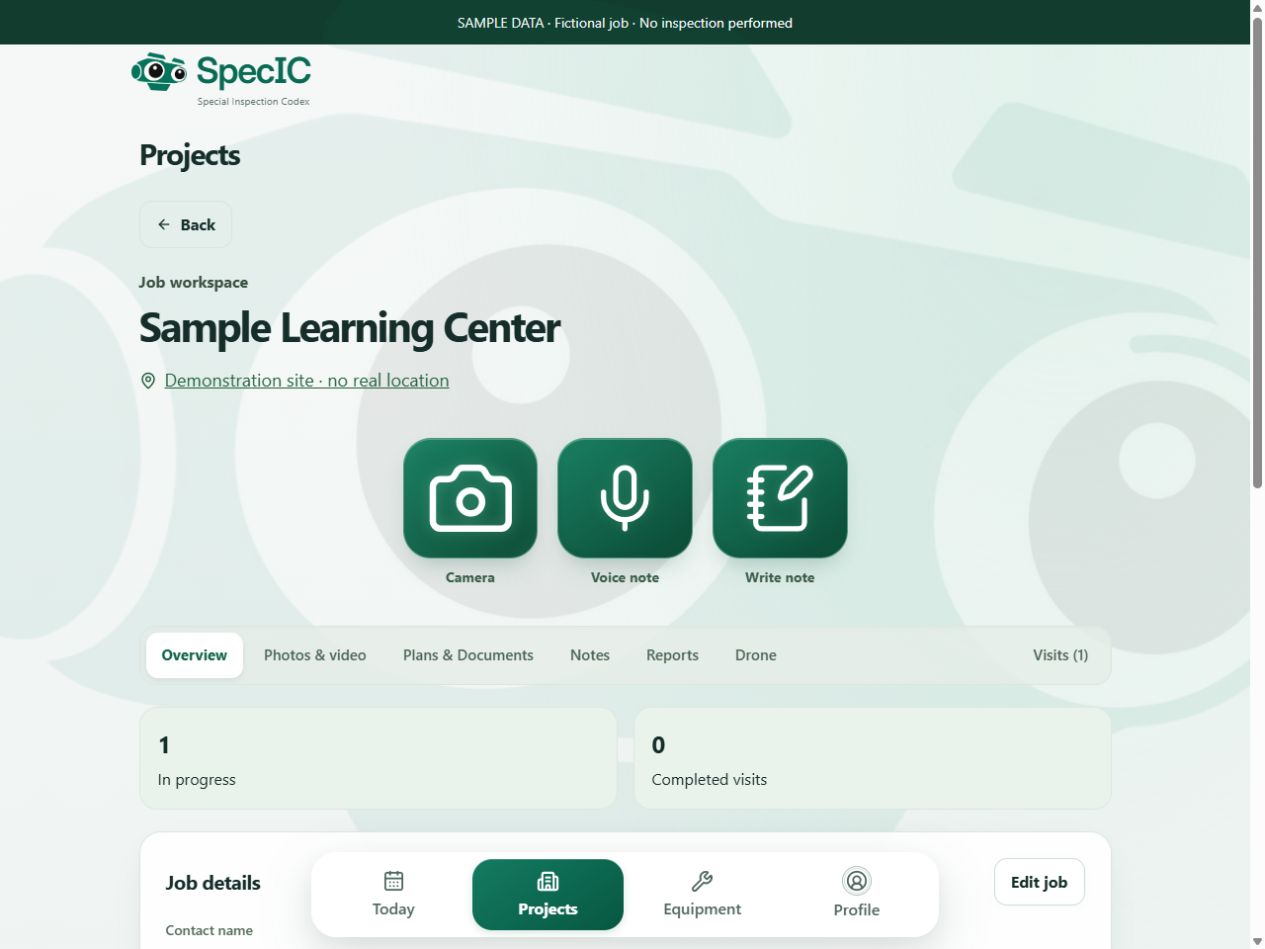
Sample Learning Center job workspace, with camera, voice note and written note shortcuts.
Job workspaceSAMPLE DATA · DEMO-001
02 / GUIDANCE

Find guidance.

Explore guidance and practice checklists.

Enlarge
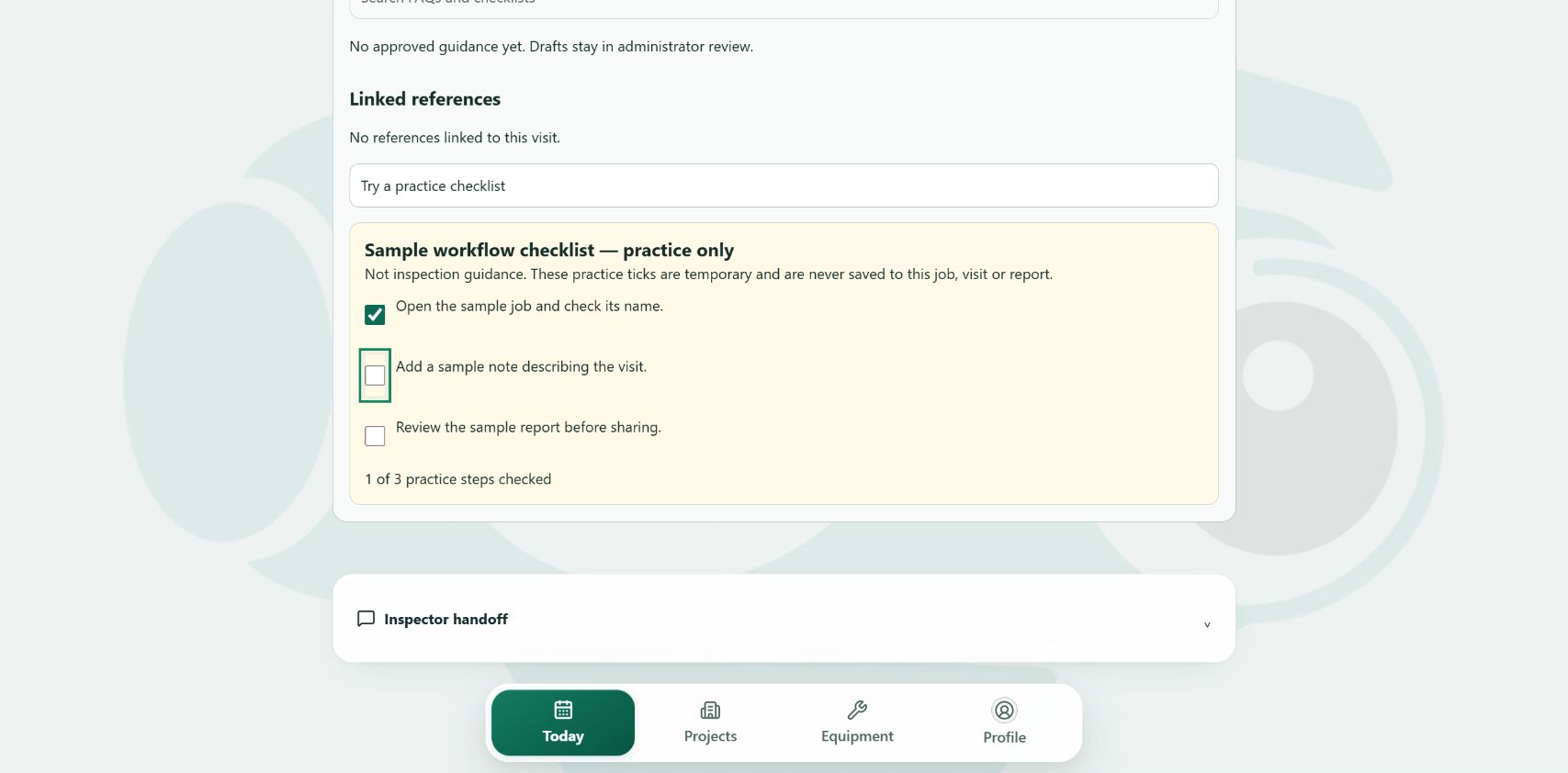
Related guidance in a fictional sample job, with no approved guidance yet and a clearly labeled practice checklist. One of three practice steps is checked.
Related guidance & practice checklistSAMPLE DATA · PRACTICE ONLY
03 / CAPTURE

Capture the details.

Record observations.

Enlarge
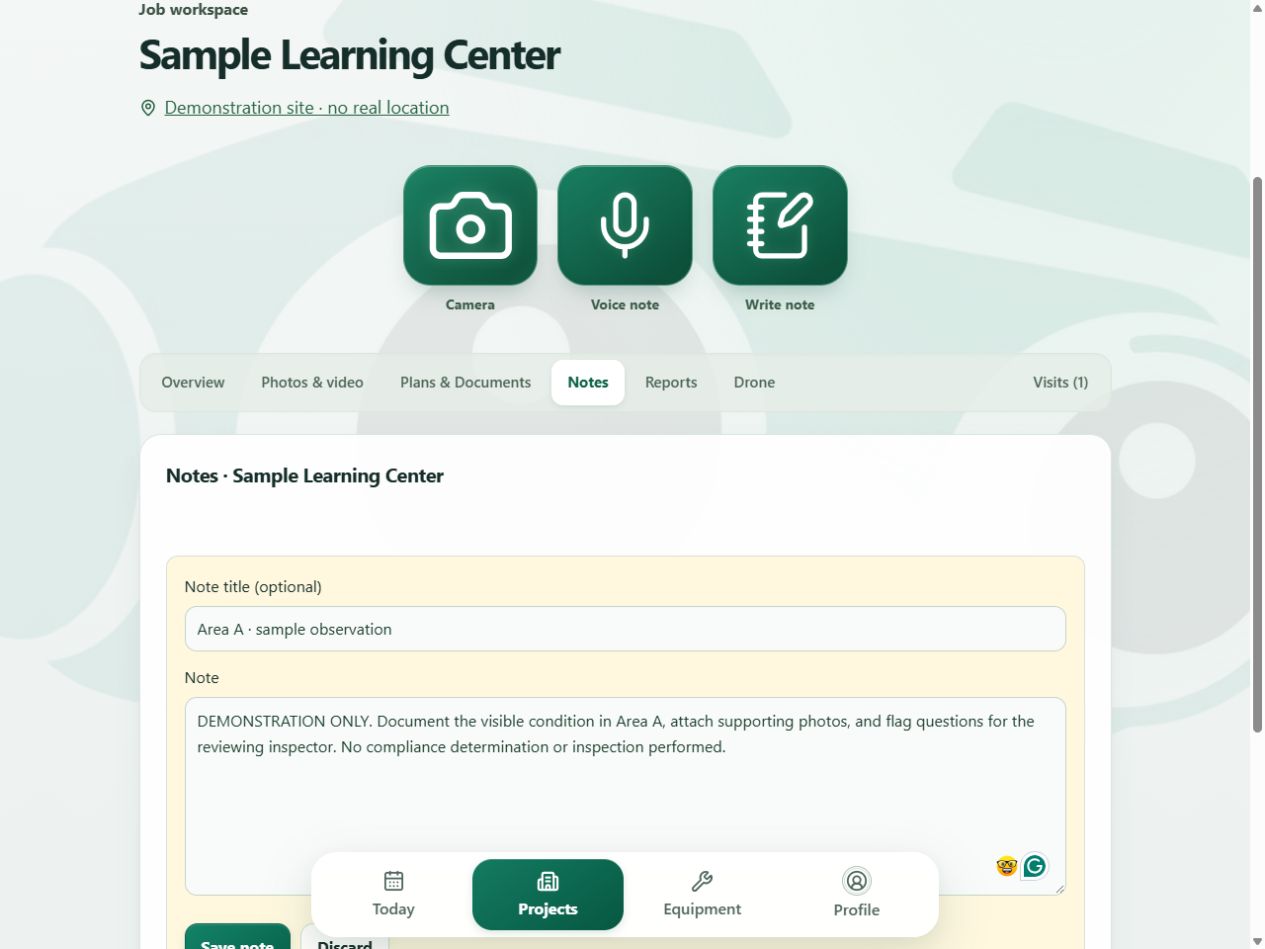
Written note editor containing a clearly marked demonstration observation for Area A.
Written note draftSAMPLE DATA · DEMO-001
04 / REVIEW

Review your report.

Review, then export.

Enlarge
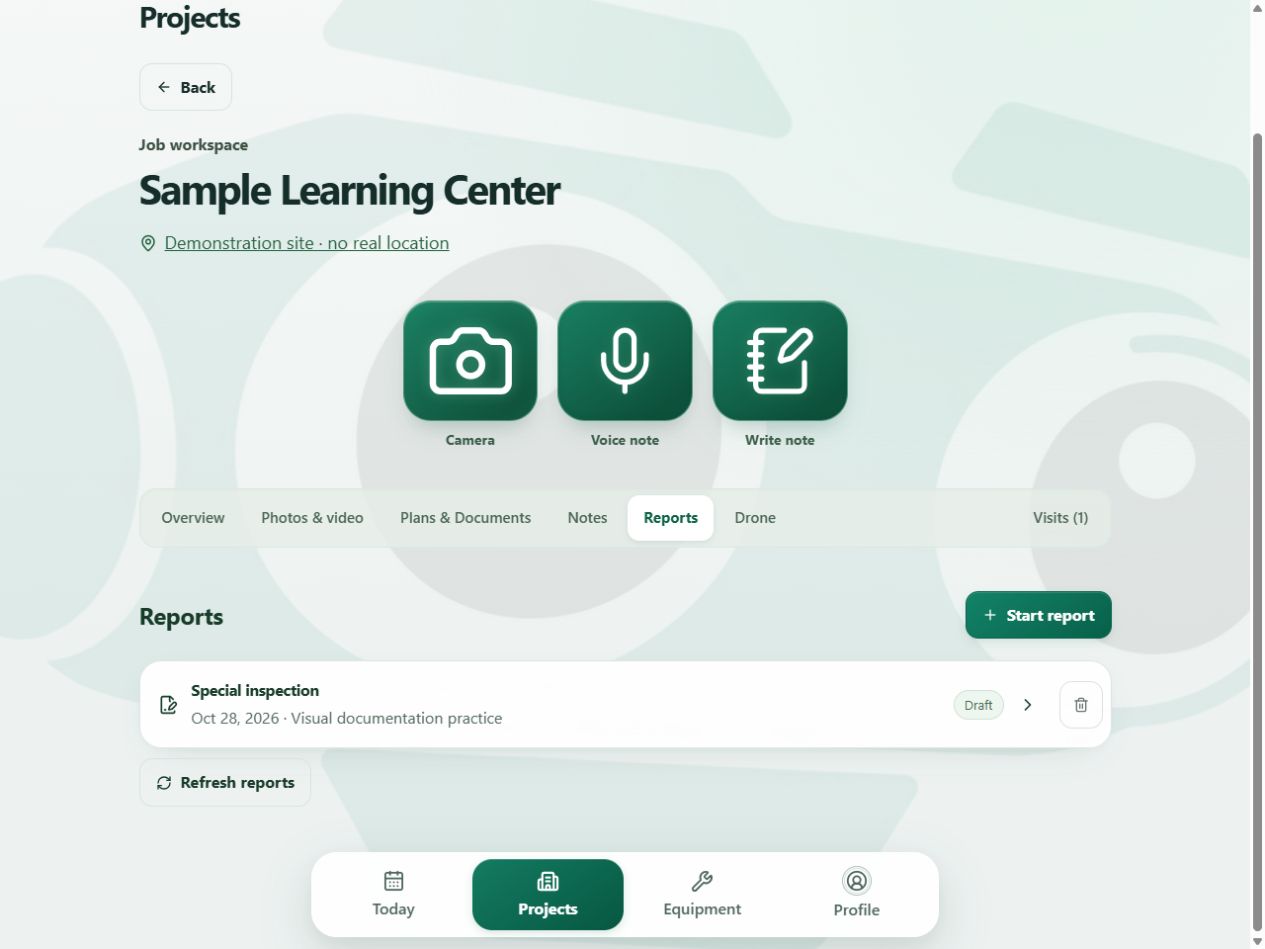
Reports tab for the fictional Sample Learning Center job, showing a special inspection report marked Draft.
Report draftsSAMPLE DATA · DEMO-001

Request accessSign in

IN THE PILOT

  • Jobs & visits
  • Photos & voice notes
  • Plans & documents
  • Approved guidance & checklists
  • Reviewed PDF reports

ABOUT SPECIC

Built for
special inspectors.

Field evidence to final report—with you in control.

PRIVATE PILOT

Get started.

Tell us about your team.

  1. Request accessNo payment details needed.
  2. We reviewWatch for our email.
  3. Sign inAfter approval.

Pricing is provisional. Compare plans

support@getspecic.com

Include yourself. Prices are provisional.

We’ll email you about access. No account or subscription is created. Please omit client and project details.

Sign in

Job workspace

Sample data only